General Invoice Editing
Last updated: January 17, 2026
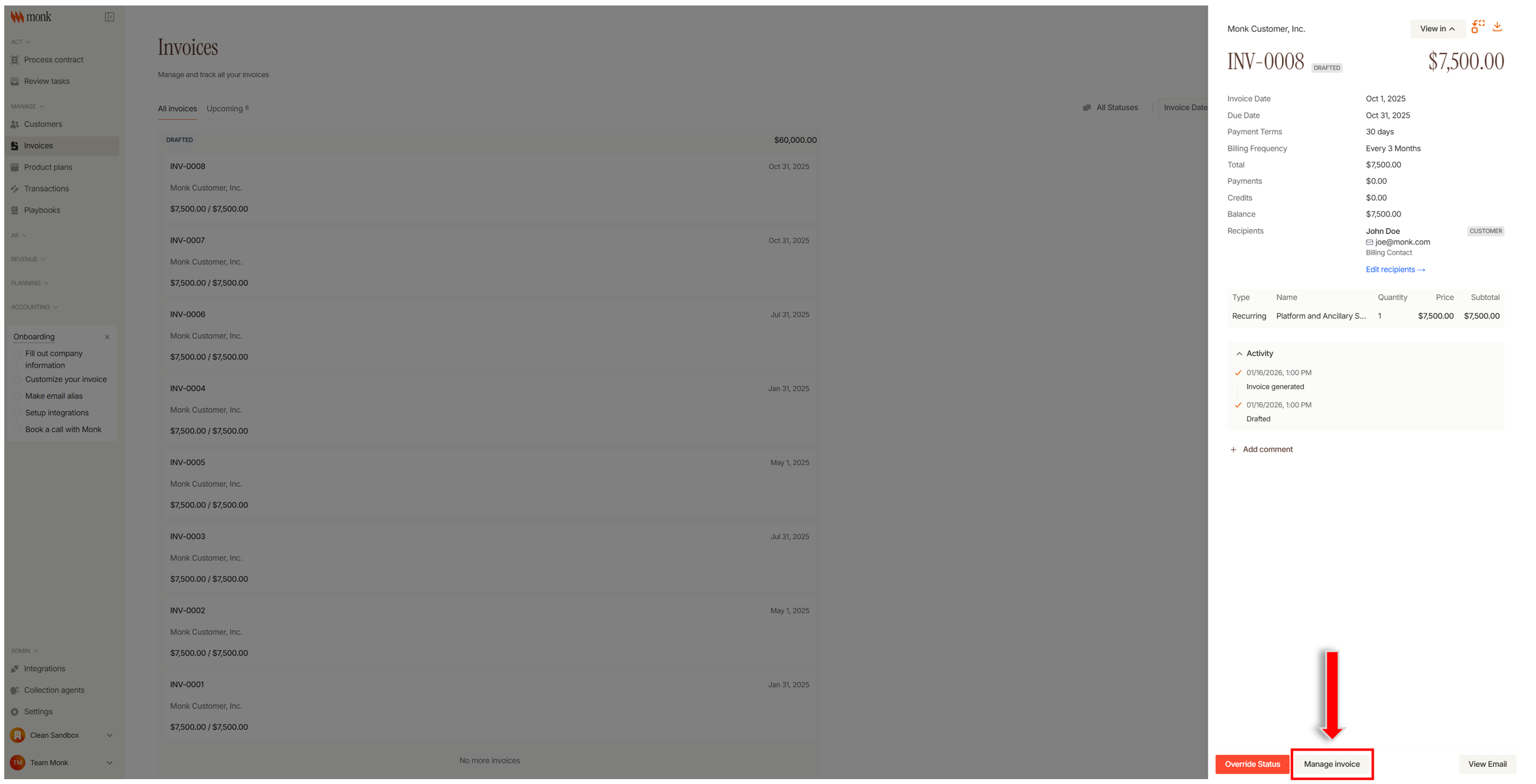
Click Invoices in the left sidebar
Search for the invoice number that needs to be edited
Click the invoice to open its details.
If the invoice status is Drafted:
Click Manage Invoice at the bottom.
Click Edit Invoice at the bottom.
Update the invoice details as needed.
Click Apply changes to save.
If the invoice status is In Progress or Overdue:
Click Cancel and reissue at the bottom. This will Cancel the invoice and create a new draft
Open the newly drafted invoice and click Edit Invoice
Click Apply changes to save