Viewing Customer Payments
Last updated: January 24, 2026
Overview
The Payments tab on a customer's details page shows all payment transactions associated with that customer. This provides a comprehensive cash application history to help you track what payments have been received and reconciled.
Steps
Step 1: Navigate to Customers
From the sidebar, click Customers to view your customer list.
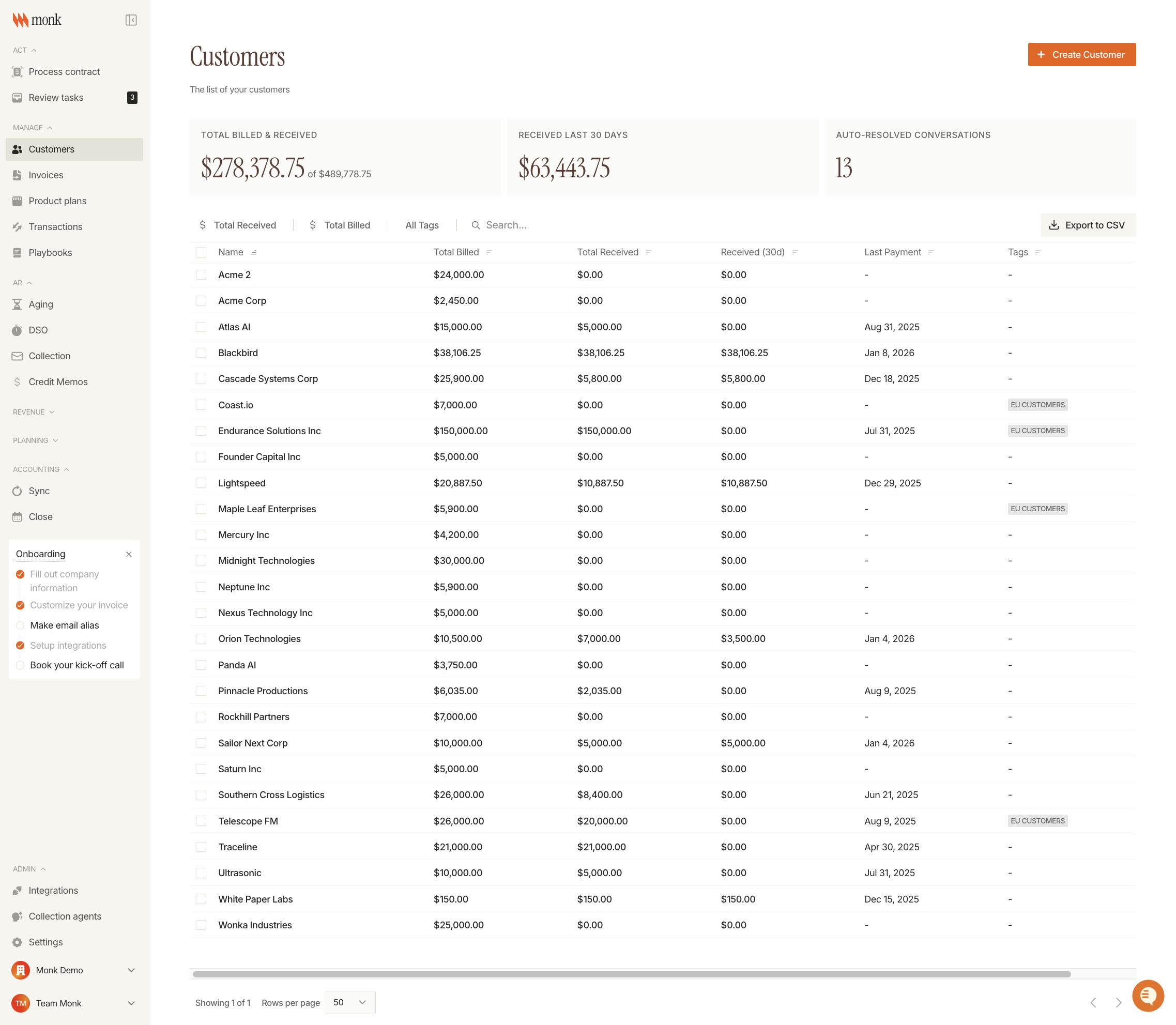
The Customers page displays summary metrics and a table with all customers. You can see:
Total Billed & Received: Overall billing and collection totals
Total Received: Amount collected from each customer
Last Payment: Date of most recent payment
Step 2: Find Your Customer
Use the search bar to filter customers by name.
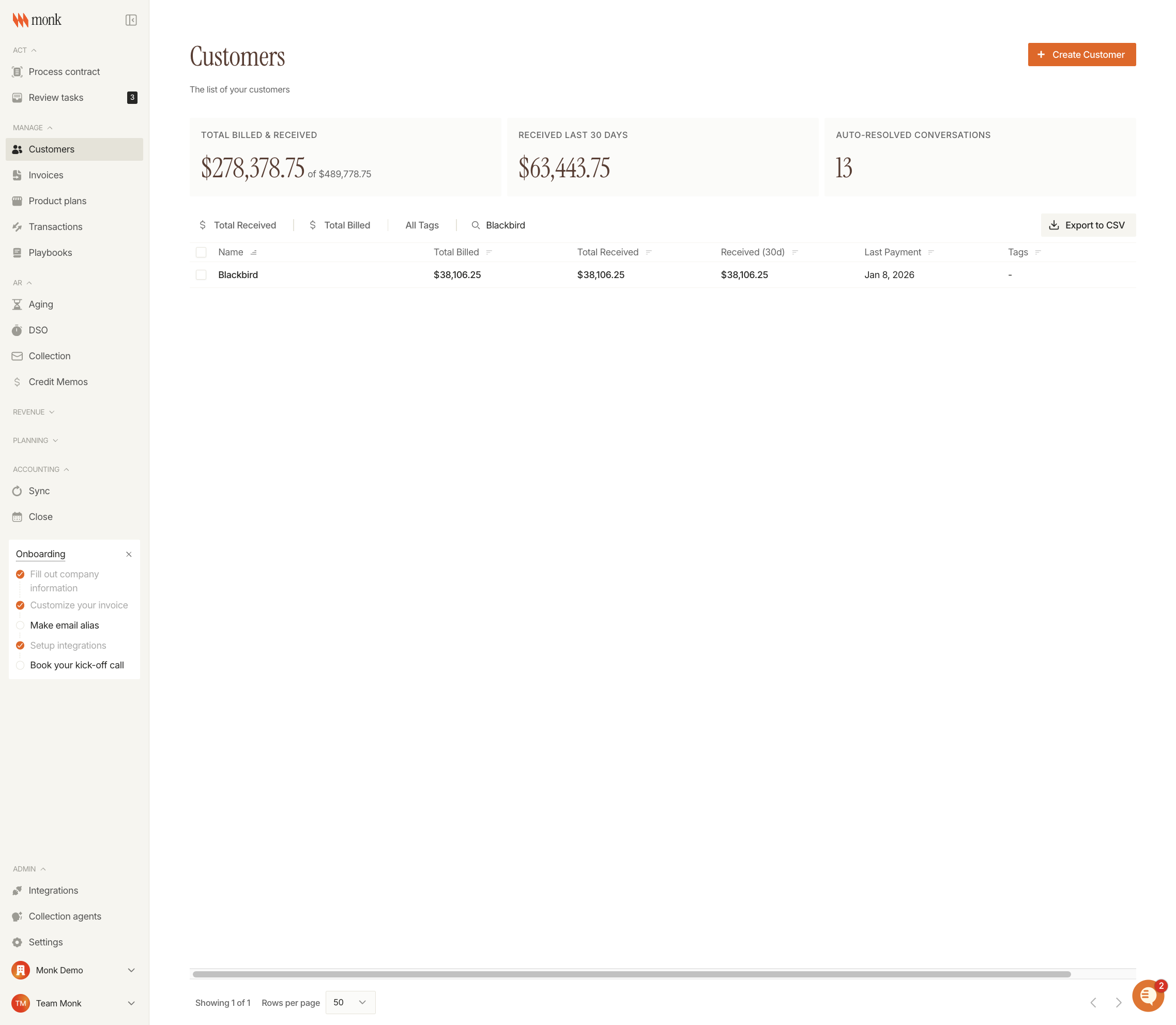
You can also filter by:
Total Received: Filter by payment amount ranges
Total Billed: Filter by billing amount ranges
Tags: Filter by customer tags
Step 3: Open Customer Details
Click on a customer row to open their details page. The customer details page includes several tabs:
Invoices: View all invoices for this customer
Contracts: View active and historical contracts
Payments: View payment transaction history
Contacts: Manage customer contacts
Documents: Access uploaded documents
Step 4: Click the Payments Tab
Select the Payments tab to view the payment transaction history for this customer.
Step 5: Review Payment Transactions
The Payments tab displays a table with all payment transactions:
Column | Description |
Date | When the payment was posted or created |
Amount | Payment amount in dollars |
Reference | Bank description, memo, or counterparty name |
Status | Transaction status (e.g., pending, completed) |
Transactions are sorted by date with the most recent payments shown first. Click any column header to change the sort order.
Understanding Payment Data
Payment data in Monk is aggregated from all sources:
Bank transactions synced via Mercury or Plaid integrations
Manual reconciliations entered by your team
CSV uploads imported from external systems
Each payment shown has been matched and allocated to invoices for this customer.